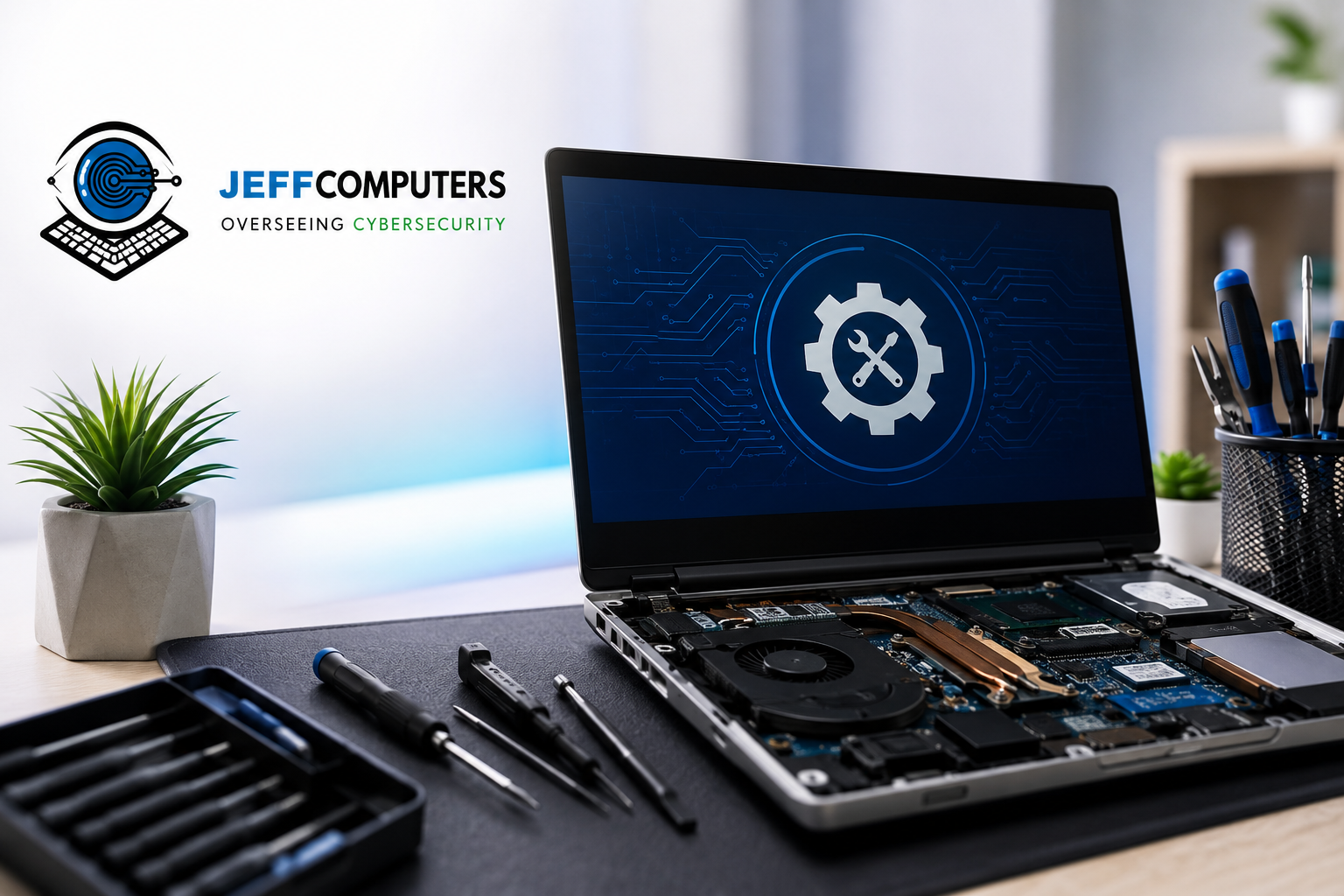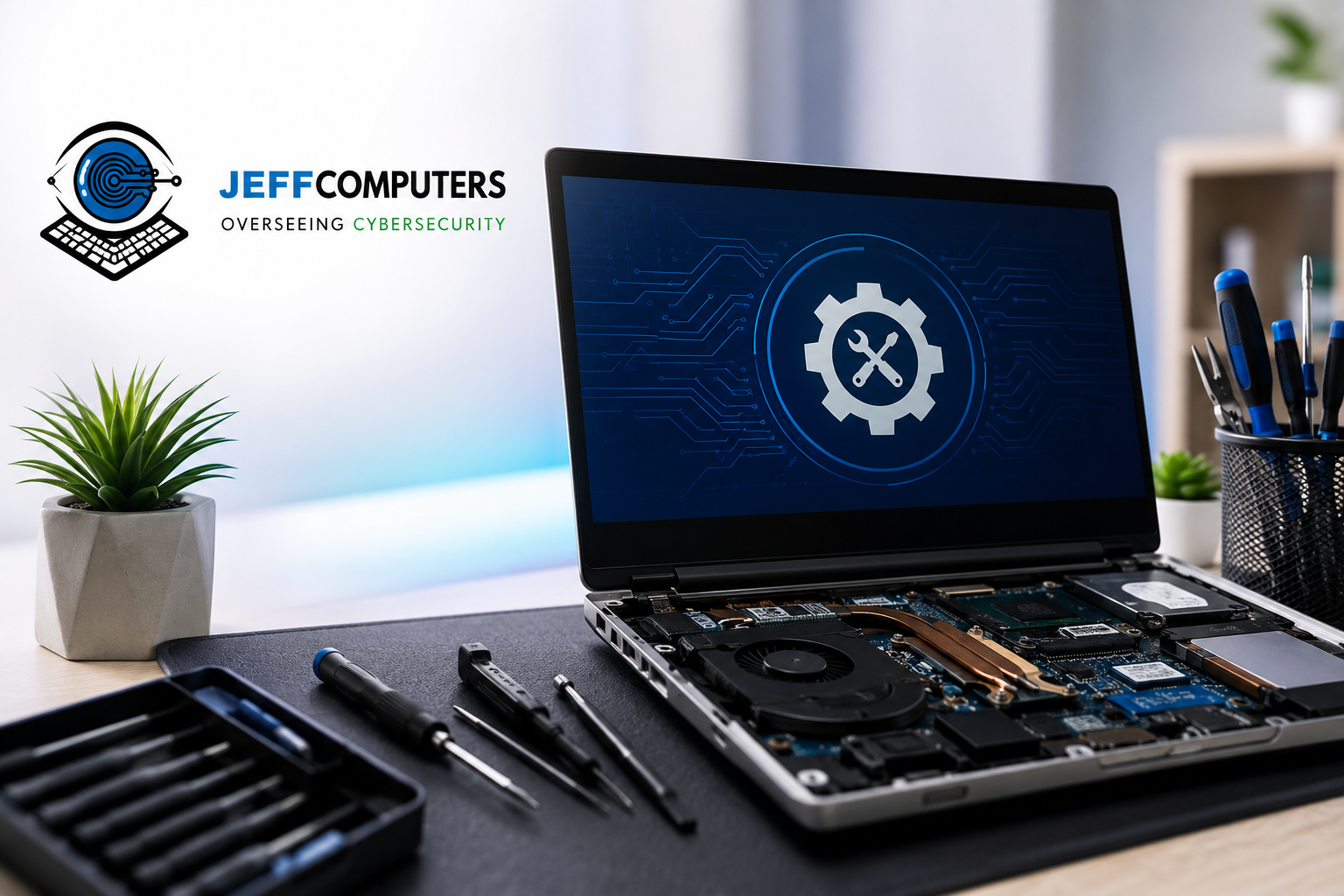
Your computer just froze mid-Zoom call. Or maybe it’s making a sound that reminds you of a coffee grinder having a bad day. Whatever brought you here, you’re looking for computer repair in Ellisville — and you want to know what to expect, who to trust, and how not to get gouged.
Ellisville is a tight-knit community in West St. Louis County. It’s the kind of place where the person who fixes your laptop might be the same person you see at the coffee shop on Manchester Road. That’s a good thing, because computer repair is a trust business first and a technical business second. Here’s the complete guide to getting it done right — without the runaround, the upsell theater, or the mystery invoice at the end.
Why Computer Repair in Ellisville Is Its Own Category
You could ship your laptop to a big-box service center in another state. You could try a national chain. Or you could walk into a local shop. Each option comes with a trade-off.
Local repair keeps you in control. You know where your device is. You get answers from the person actually doing the work — not a call center reading from a script. And when something needs a follow-up, you drive five minutes, not five business days.
For folks in Ellisville, Wildwood, Ballwin, Chesterfield, and the surrounding West County neighborhoods, staying local is almost always the faster, cheaper, and less stressful path.
The Most Common Computer Problems We See in West County
Every neighborhood has its “usual suspects” — the issues that pop up over and over. In Ellisville, these are the top ones:
Slow performance. Your computer used to boot in under a minute. Now you have time to make breakfast while it wakes up. Nine times out of ten, this is a mix of a full hard drive, background programs that shouldn’t be running, and — if your machine is more than five years old — a spinning hard drive that would rather be a paperweight. A tune-up and a solid-state drive upgrade often bring these machines back to life for a fraction of the cost of a new laptop.
Screen problems. Cracked displays are common on laptops that live in backpacks. So are flickering screens, dead pixels, and the dreaded blue-tinted display. Most of these are fixable without replacing the whole machine.
Won’t turn on. Sometimes it’s the power supply. Sometimes it’s the battery. Sometimes it’s a loose internal cable from that time your kid used the laptop as a sled. A good technician diagnoses before quoting.
Overheating and shutdowns. If your laptop feels like a griddle and shuts off mid-task, the internal fans are almost certainly clogged with dust, pet hair, or — in a few memorable cases — actual dryer lint. It’s a cleaning job, not a replacement job.
Software gone sideways. Windows updates that break things. Startup errors. Programs that crash the second you open them. These are almost always fixable without wiping your data.
Data recovery. The photos from your daughter’s wedding are on a drive that just died. Don’t panic, and don’t try to fix it yourself — every additional attempt reduces the odds of recovery.
When to DIY, and When to Call a Pro
Here’s the honest breakdown.
Try it yourself if: you’re clearing files, running a routine update, resetting a password you actually know, or trying a simple restart. If a five-minute Google search gives you a clear path and you’re comfortable following it, go for it.
Call a pro if: you’ve already tried the obvious fix and it didn’t work. Your device won’t boot. You’re seeing hardware error messages. You’ve got a spilled drink, cracked screen, or physical damage. You need data recovered. Or you simply value your afternoon more than a diagnostic fee.
The most expensive computer repair is the one you attempted three times before bringing it to someone who knew what they were doing.
What to Look for in an Ellisville Computer Repair Shop
Not every shop is created equal. Here’s what separates a good one from a headache.
They diagnose before quoting. A shop that gives you a firm price over the phone without seeing the machine is either overcharging or setting you up for surprise fees later. Real diagnostics take time.
They explain what they found. You should walk out understanding what was wrong and what they did. If they can’t explain it in plain English, that’s a red flag.
They stand behind the work. Look for a written warranty on parts and labor. Thirty days is a minimum; ninety is better.
They’re transparent about data. Your files should be handled like your medical records. Ask what their data-handling policy is. If they shrug, walk out.
They handle both hardware and software. A shop that only does one is going to reach for the wrong tool on plenty of jobs.
They have real local reviews. Not just five stars from a month ago — a track record. Read the three-star reviews too. That’s where you learn what actually happens when things go wrong.
Business vs. Home Computer Repair — They’re Not the Same
If you’re a small business owner in Ellisville, your computer problems have a different weight. Downtime costs money. A slow machine is one thing when it’s your personal email; it’s another when it’s the point-of-sale system for your storefront on Manchester Road.
Business repair usually involves more than fixing one device. It means looking at the network, the backups, the security, and whether the machine that failed is a symptom of something bigger. A good local shop should be able to handle both — the one-off laptop fix and the ongoing managed IT needs — so you’re not juggling three vendors when something breaks.
The Jeff Computers Approach
For over two decades, Jeff Computers has been the neighborhood computer shop for Ellisville and the surrounding West County. The location at 215 Clarkson Executive Parkway, Ellisville, MO is staffed by technicians who live in the community and treat every device like it belongs to a neighbor — because usually, it does.
What that looks like in practice:
- Straightforward diagnostics so you know what you’re paying for before any work starts.
- Same-day turnaround on many common repairs.
- No jargon, no upsell theater. If the fix is a small part, you’ll be told the fix is a small part.
- Walk-in and on-site service. Bring the machine in, or have a technician come to your home or office.
- Full-service capability. Screen replacements, virus and malware cleanup, data recovery, hardware upgrades, software troubleshooting, and small business IT support — all under one roof.
The team also handles the stuff most shops shy away from: older machines, oddball custom builds, and businesses running a mix of Windows, Mac, and Linux systems.
What to Bring When You Come In
Save yourself a trip back. When you bring your computer in for repair, bring:
- The device itself and its power adapter.
- Any external accessories that are part of the problem — the mouse that stopped working, the monitor that flickers.
- A written description of what’s happening and when it started. Even one sentence helps.
- Your login password (or a note that you don’t remember it). Technicians can work around this, but knowing up front saves time.
You don’t need to back up your data first. A good shop treats data preservation as part of the job.
The Bottom Line on Computer Repair in Ellisville
You have options. Some are faster than others. Some are cheaper up front but more expensive over time. The right choice usually comes down to whether the shop treats you like a customer or like a case number.
If you want a computer repair in Ellisville that’s done right, done locally, and done by someone who’ll actually pick up the phone when you call — Jeff Computers is on Clarkson Executive Parkway. Walk in, call, or book online. The coffee’s usually on.
Frequently Asked Questions
How much does computer repair cost in Ellisville, MO?
Costs vary by issue and shop. Most standard repairs — tune-ups, virus cleanups, screen replacements, hardware upgrades — fall into a predictable range that a reputable shop will quote after a real diagnostic. Data recovery and motherboard-level work run higher. Always ask for a written estimate before the work starts, and be cautious of any shop that quotes a firm price over the phone without seeing the device.
How long does a typical computer repair take?
Most common repairs — software cleanups, tune-ups, and simple hardware swaps — are same-day or within 24 hours. Screen replacements and jobs that require ordering a part typically run 1–3 business days. Complex issues or data recovery can take a week or more. Ask for a timeline when you drop the device off so there are no surprises.
Should I fix my computer or just replace it?
The general rule: if the repair costs more than about half the price of a comparable new machine, replacement is usually the smarter play. But it’s not always that simple. A five-year-old laptop with a bad battery is worth fixing. A ten-year-old machine with a failing motherboard usually isn’t. A good technician will give you an honest read on this before you spend money.
Can you recover my data if my hard drive failed?
Usually yes — but the sooner you stop using the drive, the better your odds. Logical failures (corrupted files, accidental deletion) have very high recovery rates. Physical failures (mechanical damage, water exposure) are harder, but still often recoverable. Never keep powering on a drive that’s making unusual clicking sounds — that’s damage in progress.
Do I need to bring my computer in, or can someone come to me?
Both options work. In-shop service is faster and usually cheaper for hardware repairs. On-site service — where a technician comes to your home or office in Ellisville and the surrounding West County — is the better fit for network setups, printer issues, business systems, or situations where moving the machine is inconvenient. Jeff Computers offers both.
Contact Jeff Computers for Computer Repair in Ellisville
When your computer starts acting up, you don’t need a call center in another state — you need a neighbor who knows what they’re doing. That’s what Jeff Computers has been for Ellisville families and businesses for years.
Straightforward diagnostics, same-day service on most repairs, and someone who’ll actually pick up the phone. The coffee’s usually on.
📍 Address: 215 Clarkson Executive Parkway, Ellisville, MO
📞 Phone: +1 (636) 538-6553
🌐 Walk in, call, or schedule online.
Same-day service available on most repairs.
The nice IT guys in the neighborhood — right here in West County.